
Selecting your Topics #
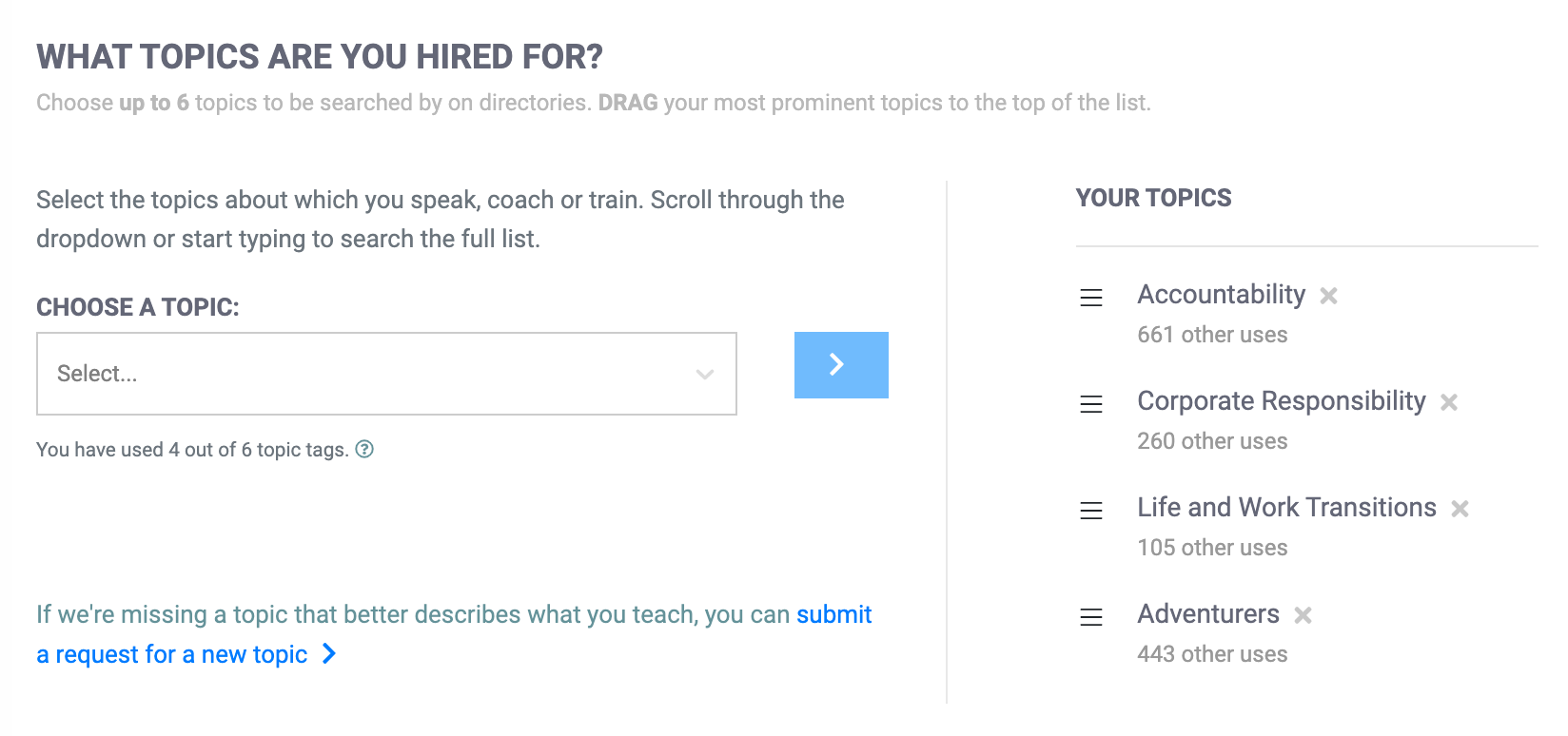
Event organizers searching for a speaker, trainer or coach often have a specific topic in mind. They may want someone who speaks on “Healthcare” or “Leadership” and will select a specific topic for their search. eSpeakers keeps a master list of hundreds of topics, and you can select up to 6 of them to assign to your profile.
 Using fewer topics gives you a search rank advantage in results that searched by topic, so don’t feel like you need to use all available slots.
To set your profile topics #
- Sign into eSpeakers
- Click MY PROFILE from the menu at left
- Click TOPICS & EXPERIENCE
- Select a topic from the dropdown list and click the > button to add it to your profile.
You can sort your topics to prioritize your strongest ones at the top by dragging and dropping them in the list. You can remove a topic from your profile by clicking the X next to it.

You only need to select a single topic, but if you speak on other things you can select more topics. Some speakers like to use all 6 topic boxes so they come up under more searches. Other speakers like to use only 2 or 3 so meeting planners can see they are focused. Both are valid strategies, but be aware your choice does say something about you.
Selecting your Work Experience #
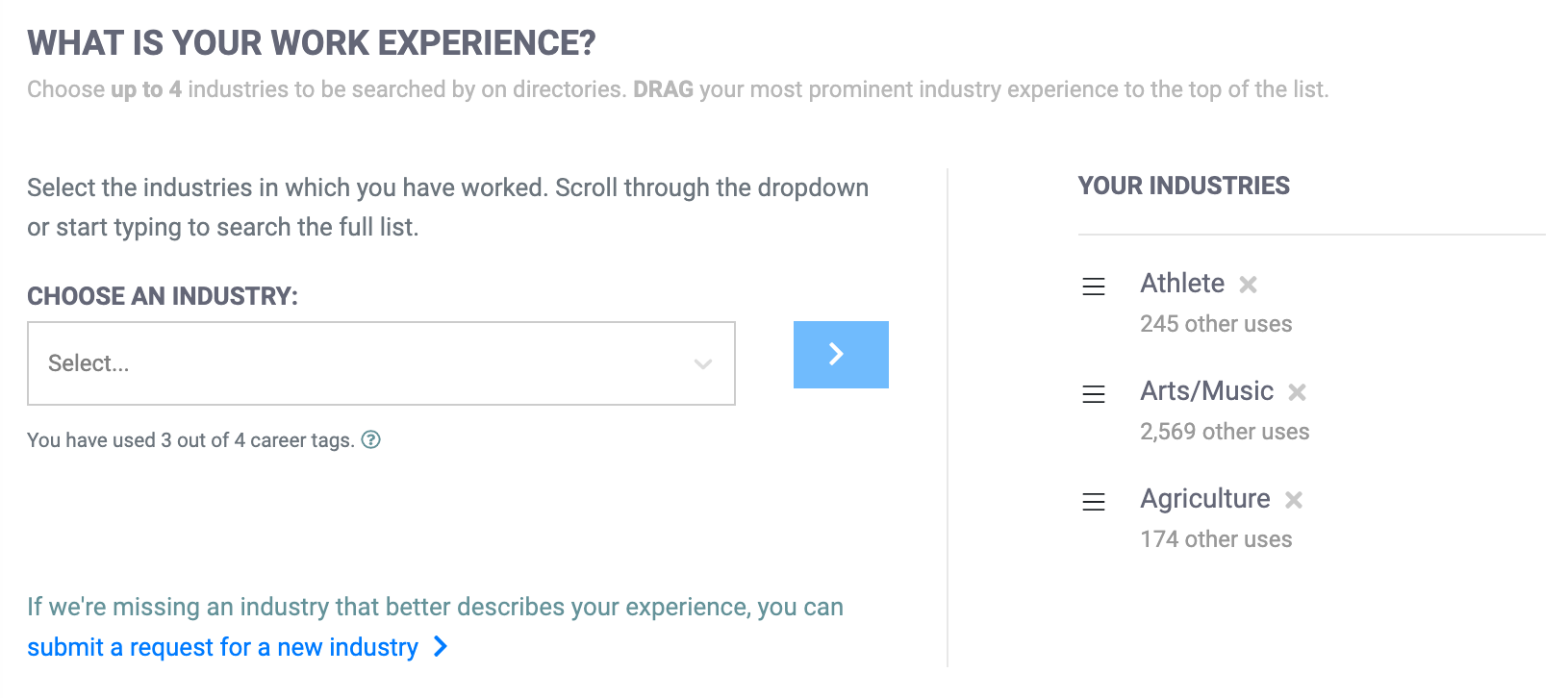
In addition to the topics on which you speak, you can also list your career experience. Your past careers may have nothing to do with the topics on which you present, but potential buyers are often looking for someone who can “speak their language”. For instance, a client may want someone who speaks on “sales training” but has past career experience in the “automotive” industry. You won’t be speaking about cars, but you’ll know how to speak to people who sell them, and that’s valuable for customers. You can list up to 4 industries in which you have career experience.
To set your work experience #
- Sign into eSpeakers
- Click MY PROFILE from the menu at left
- Click TOPICS & EXPERIENCE
- On the bottom half of the page, select an INDUSTRY from the dropdown list and click the > button to add it to your profile.
You can sort your topics to prioritize your strongest ones at the top by dragging and dropping them. You can remove a topic from your profile by clicking the X next to it.


