If you have online course content through a supported provider, you can link those courses to your eSpeakers profile so that directory shoppers can see them listed and click through to explore and (hopefully) buy.Note: Thinkific supports this feature for customers with their paid plan. It will not work with a free Thinkific account.
If you’re already signed in, click MY PROFILE on the left sidebar, then scroll down on the page to find and click on INTEGRATIONS.
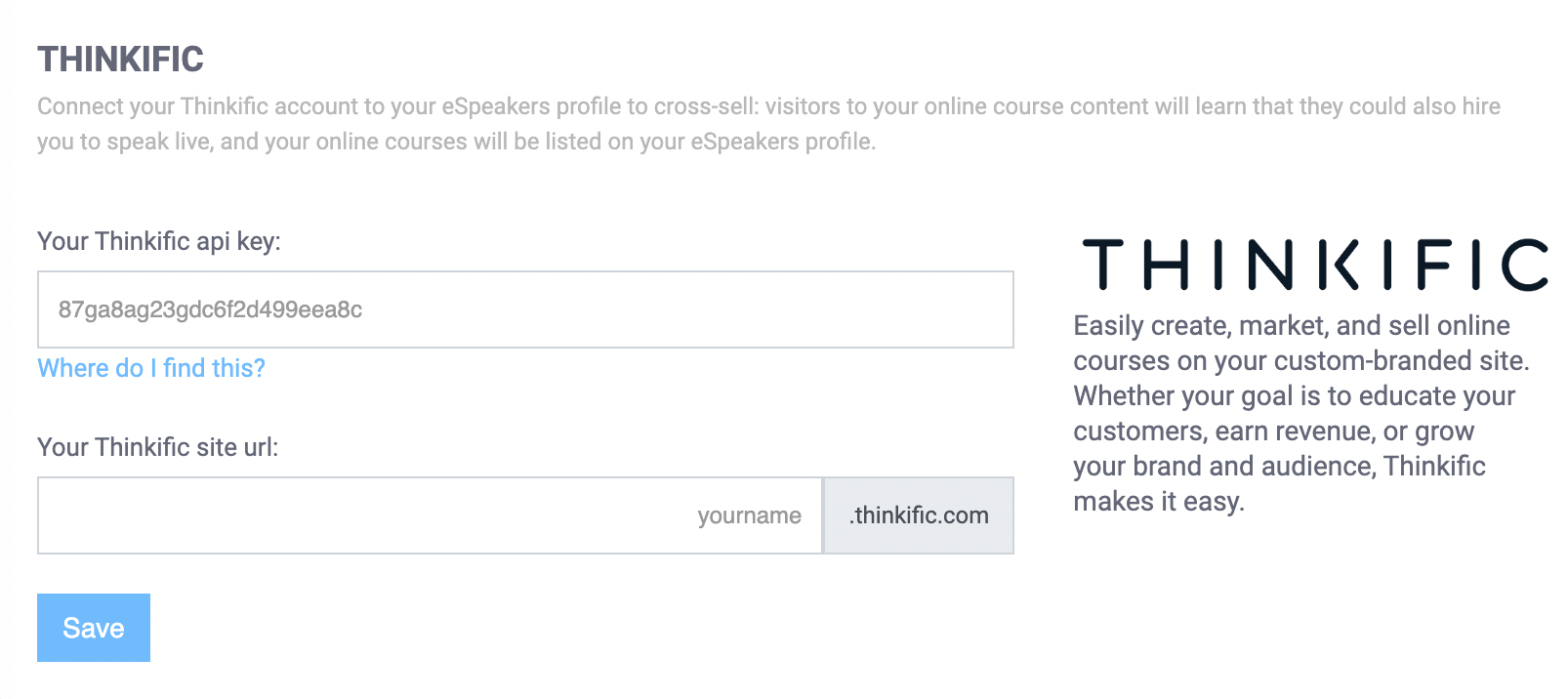
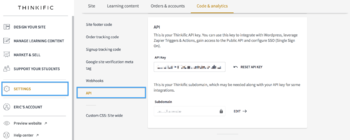
Enter your THINKIFIC API KEY and SITE URL in the spaces provided, and click SAVE to complete.
You only need to connect your Thinkific account once. As you update your courses at Thinkific, those changes will be reflected on your eSpeakers profile automatically within 24 hours.
Courses that are draft, hidden or private are not shown on your eSpeakers profile.
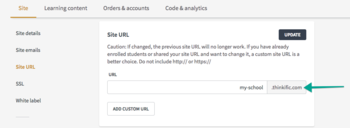
Head into your Dashboard and go into Settings. Look for the setting Site URL. You only need the part before .thinkific.com to put into your eSpeakers settings.
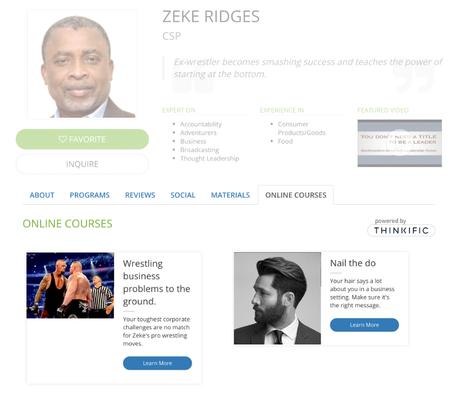
Once you have linked your online course provider to your eSpeakers account, your profile will begin to display an ONLINE COURSES tab.The content of the tab is a list of your courses, each with a button which will take the visitor directly to that course on the courses site.
Courses that are draft, hidden or private are not shown on your eSpeakers profile.