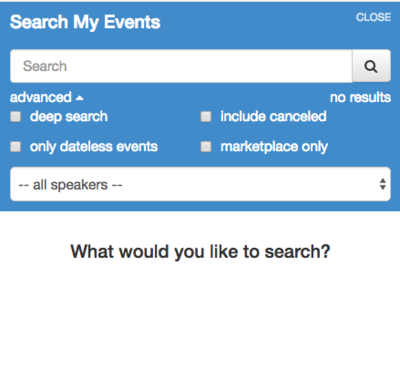
Finding an event that was created earlier in EventCX is a frequent activity. There are several ways to find events:
- Use the global search box on the calendar view. Use the specific search options by clicking on the GEAR symbol to the right of the search field.

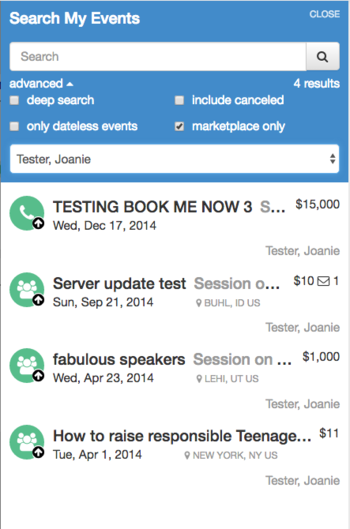
CANCELED / RELEASED – this is the only way to display events you have marked as Canceled / Released status.- DATELESS SEARCH – this is the only way to display events that were created without a date.
- DEEP SEARCH – this field allows you to search deep into your event data using fields not included in the regular search:
- “Standard” search looks through:
- Event ID number
- Organization (“speaking to”)
- Reason for meeting
- Venue city
- Venue country
- Bureau name
- “Deep” search additionally searches through:
- Username
- Bureau notes
- Conference call notes
- Hotel name
- Event notes
- Short custom fields
- Long custom fields
- Contact names
- Contact titles
- Contact notes
- “Standard” search looks through:
- MARKETPLACE SEARCH – to display all events that were created from Marketplace buyers.
- SPEAKER – for those with multiple speakers attached to their login you have the ability to search in only one speakers’ account.