You can copy action lists from one speaker to another as long as your username has SPKR or ADMN privileges and is attached to each involved speaker account.
Login to eSpeakers with a username that has SPKR or ADMN privileges on the speaker to whom you want to add a copied list. You must also have any level of access to the speaker from whom you wish to copy lists.
Choose EVENTCX CALENDAR from the left side menu.
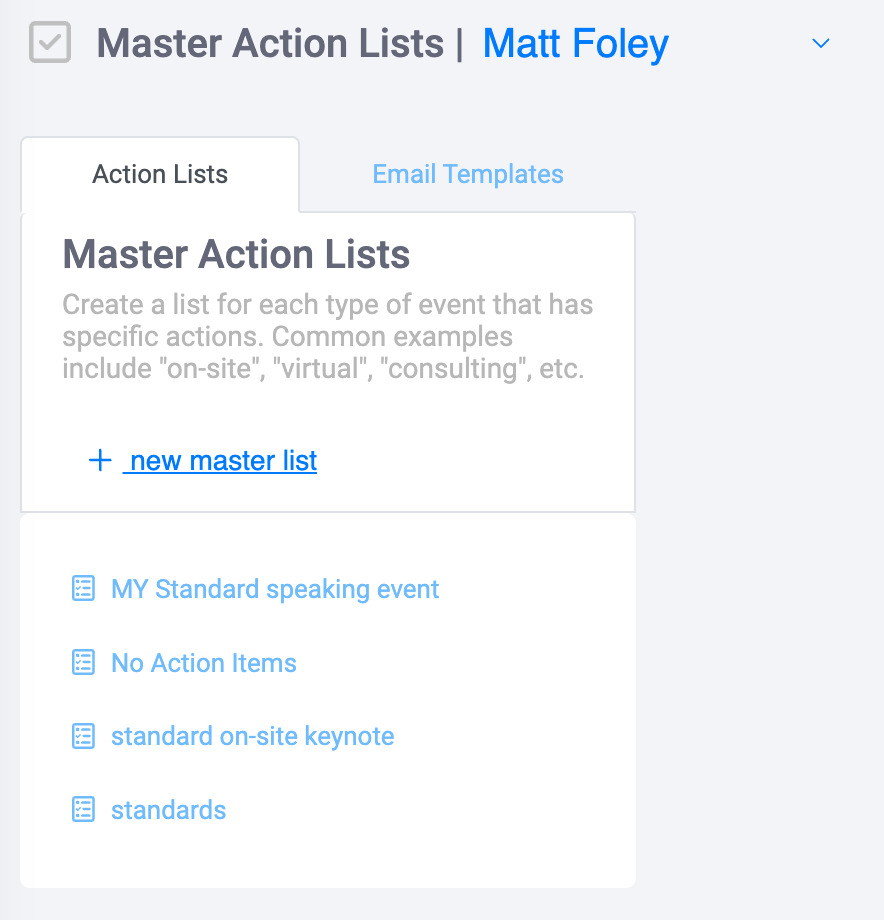
Once in EventCX, click your username in the upper right, choose SETTINGS, and then choose the ACTION LIST tab.
Click the NEW MASTER LIST link to open a dialog box.
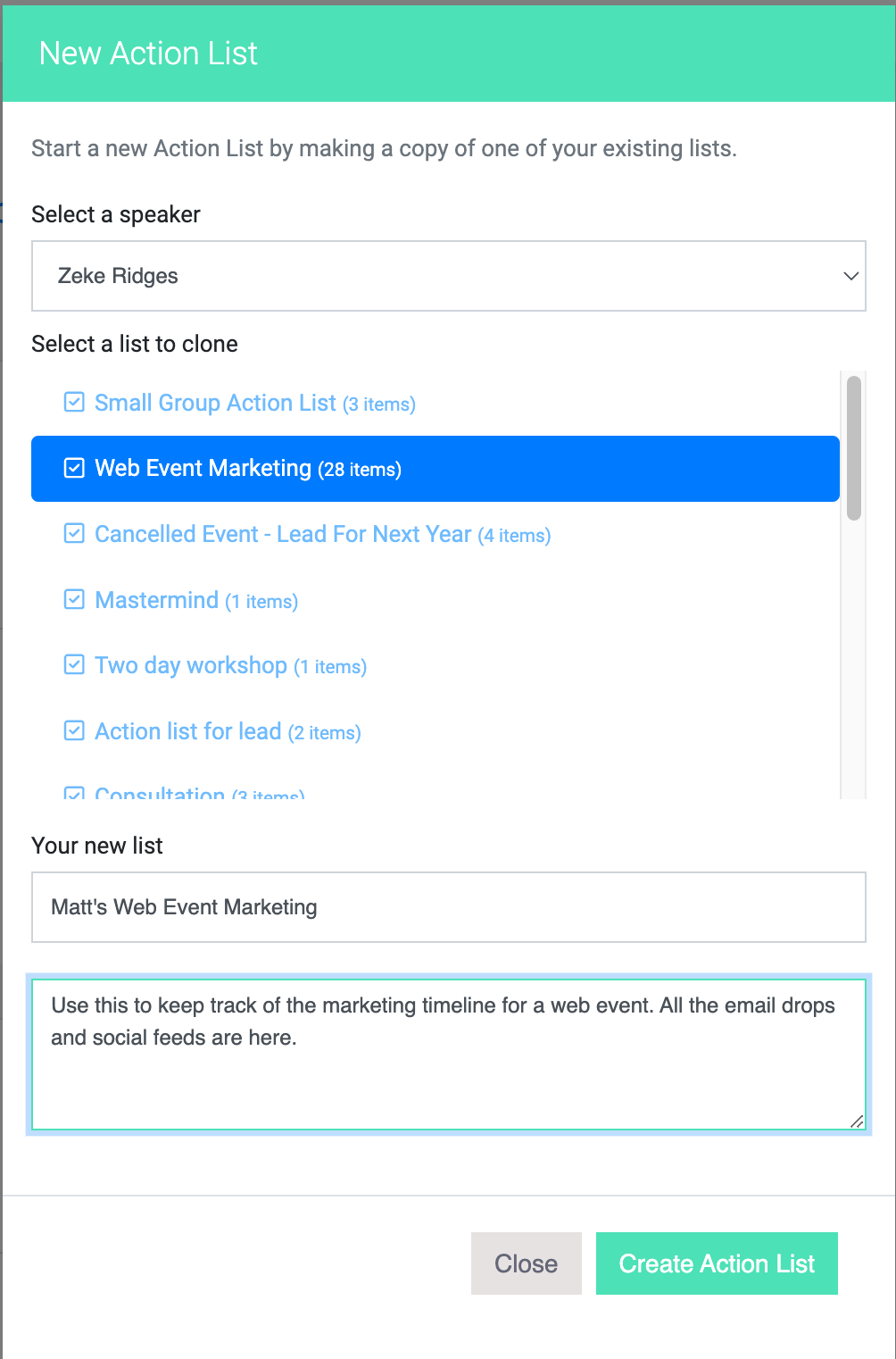
In the dialog box that opens, click COPY ONE OF YOUR OTHER LISTS and then click NEXT.
In the next window, choose the speaker who has the list you want to copy. If you do not see the speaker you are looking for in the list, it means the username you signed in with is not attached to that speaker.
Next, select the list that you want to copy by clicking on it. Enter your own LIST NAME and DESCRIPTION and then click CREATE ACTION LIST.
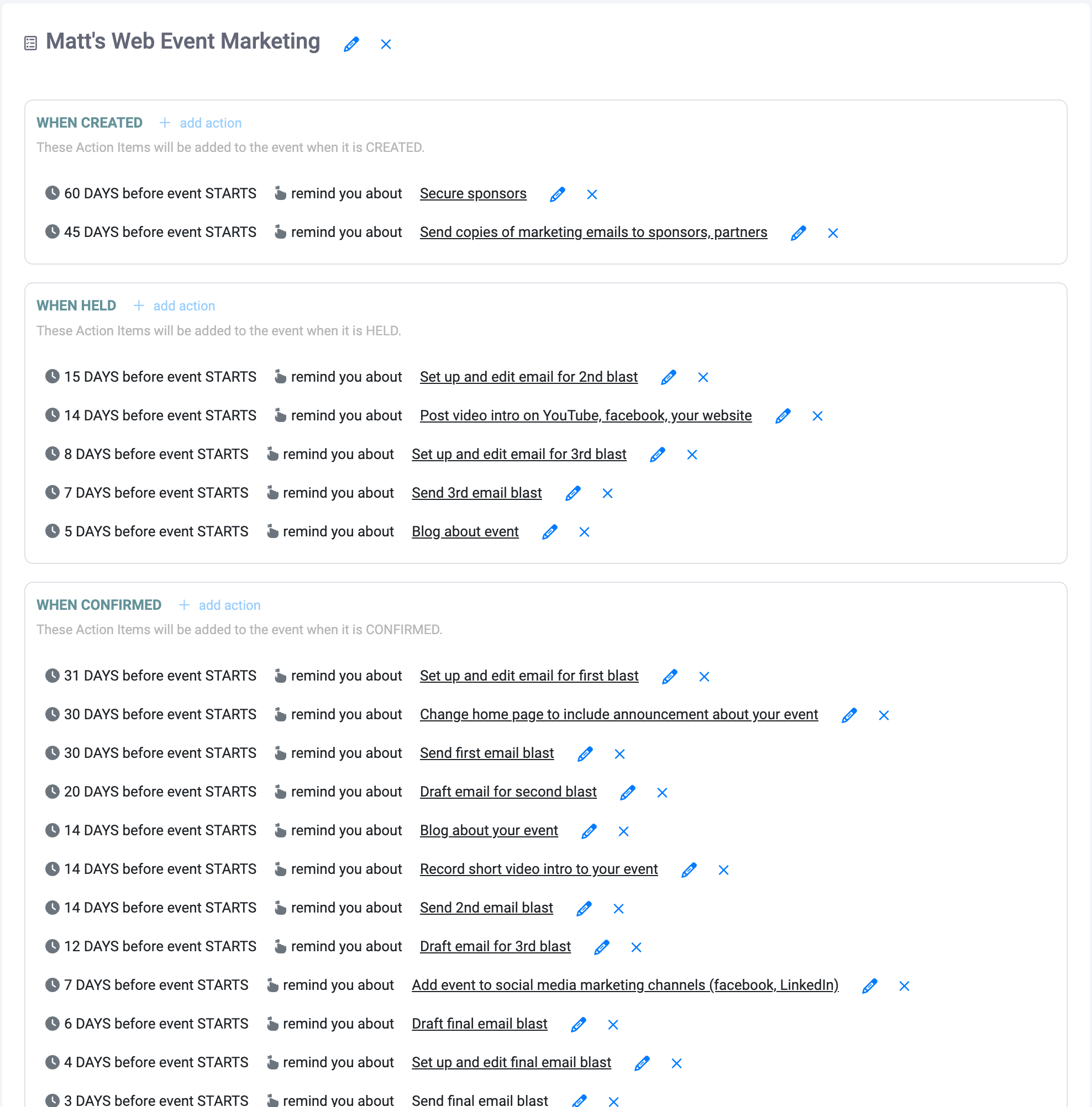
All done! You have a new list that you can edit. Note that future changes to the list you copied from will not make changes to your new list.