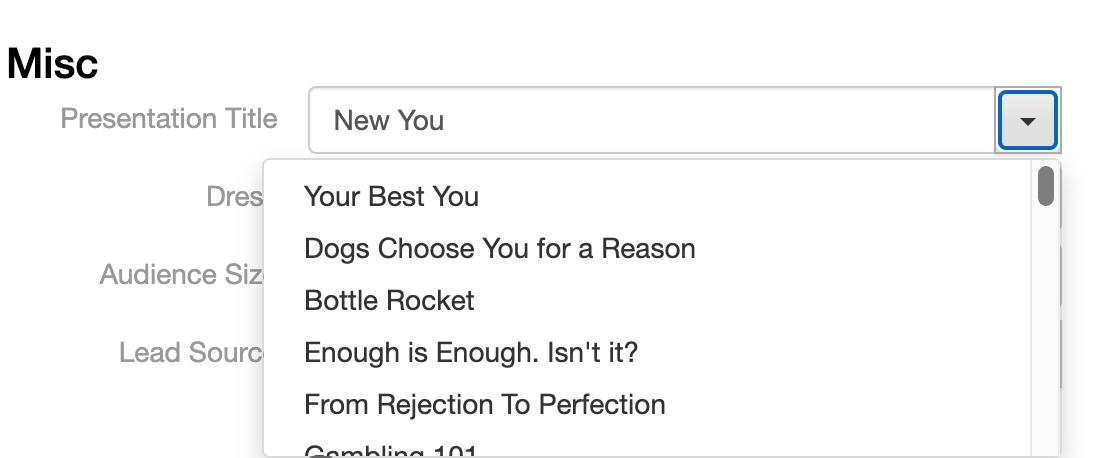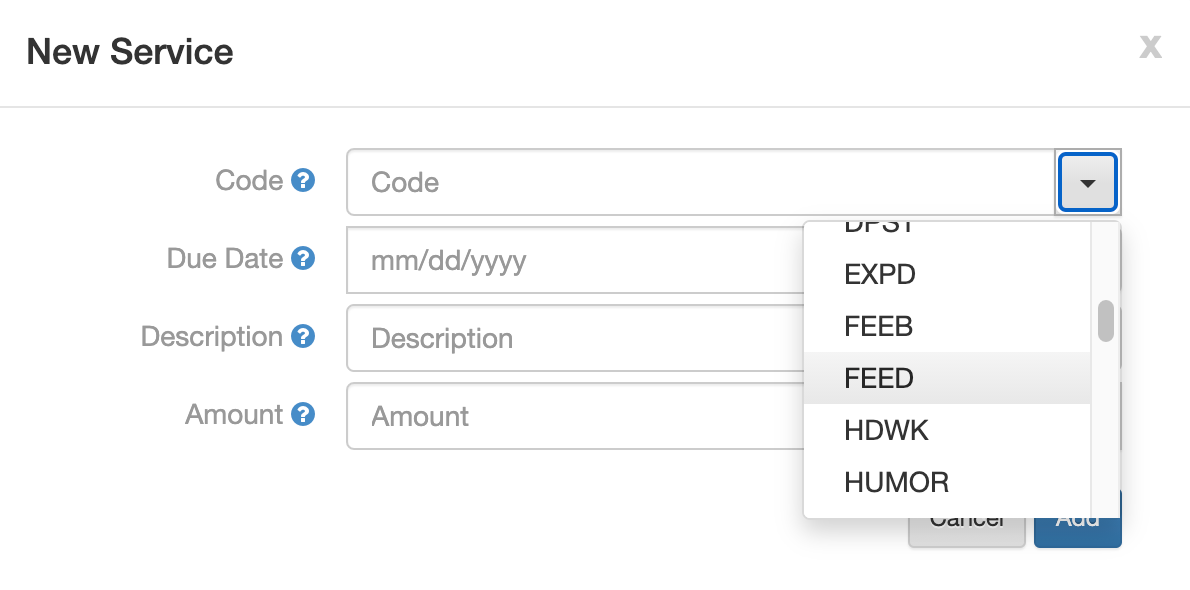
There are a few places in EventCX that present you with a dropdown list of choices. For example, the CODE field on a SERVICE or PRODUCT, or the PRESENTATION TITLE. This article will explain how to add or remove choices from these lists. Note that some lists (like STATUS or EVENT TYPE) are fixed and cannot be changed.
How do I add new choice to a dropdown list? #
These lists grow automatically each time you use a new value for the first time. To add to the list, simply type in the new text you want to use (instead of choosing from the dropdown). The next time you start up EventCX, it will auto-learn the new entry and it will be a choice in the dropdown list.
How do I remove a choice from the dropdown list? #
These lists are automatically generated each time you start up EventCX by looking at all the unique values you have used on events. To get a value out of the dropdown, you just have to ensure it is not used on any events. Find events that use that value and clear the value or change it to something else. Once no events use that value, the EventCX will “unlearn” it the next time you start up.