
PRESENTERS – LiveSchedule PluginYou can control what displays on your LiveSchedule by logging in to eSpeakers, choosing MARKETING DASHBOARD, and then PLUGINS & SIMPLESITE. Click the LiveSchedule SETTINGS button to access the settings.There are many setting choices, such as:
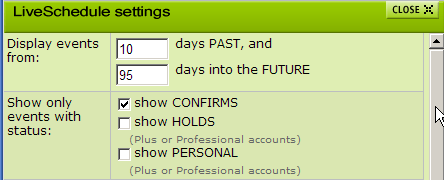
- How far in the past and into the future events are listed
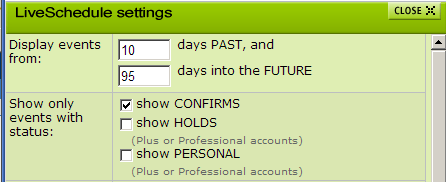
- What event statuses to include in the display
- Fields to be displayed
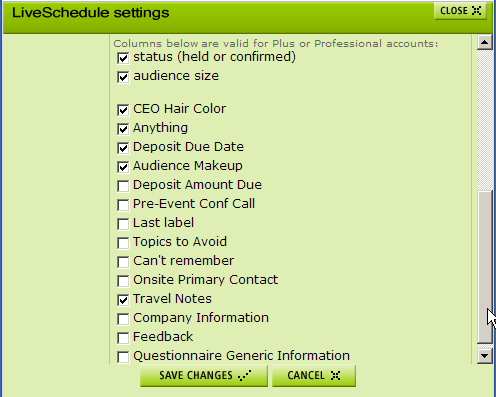
One creative use of your Custom Fields (available to Pro users only) is to include email address and/or web address in one of the custom fields. Speakers have used this to invite people to register to attend an event.


