Build an Online Speaker Profile That Gets You Booked
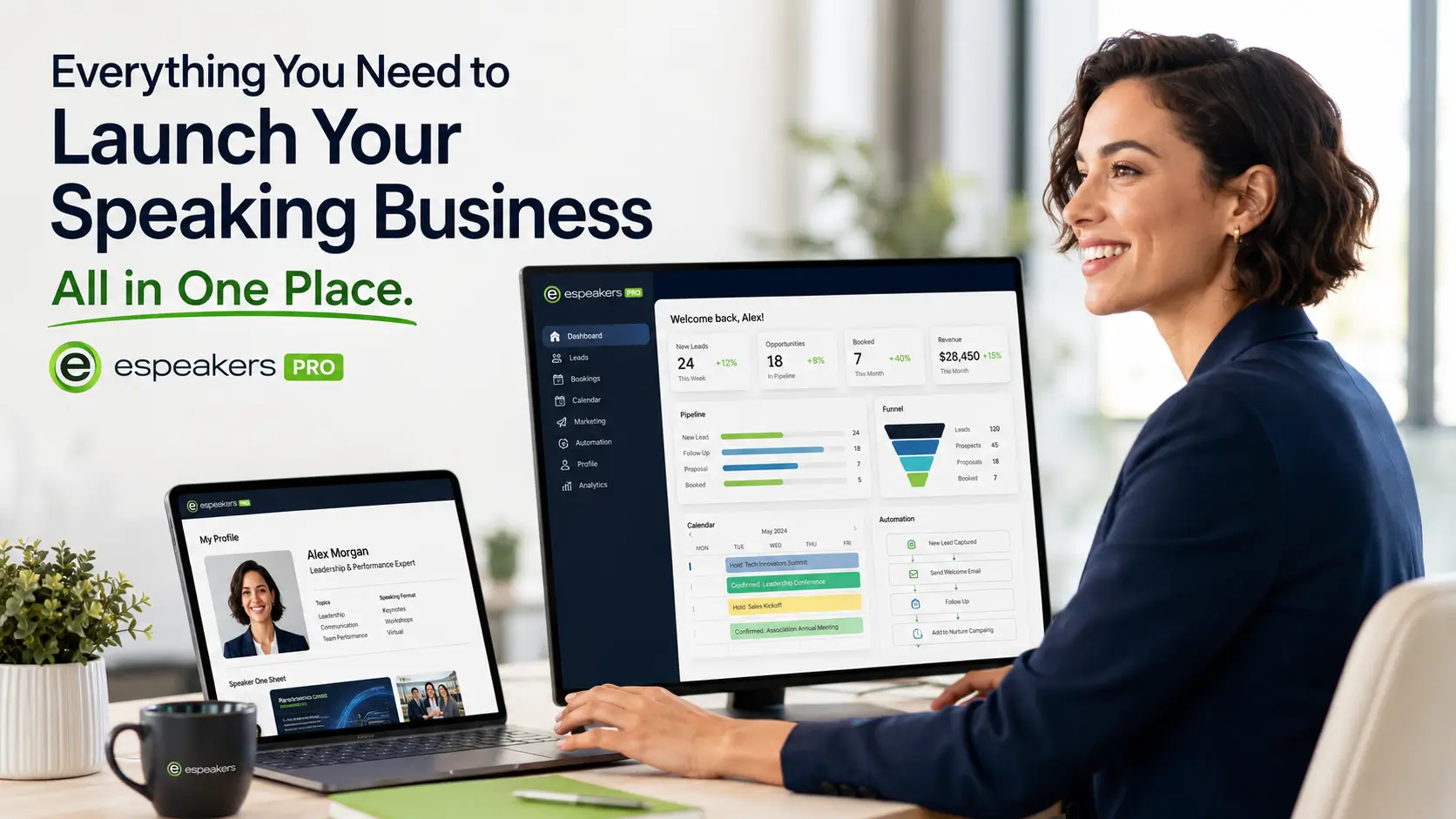
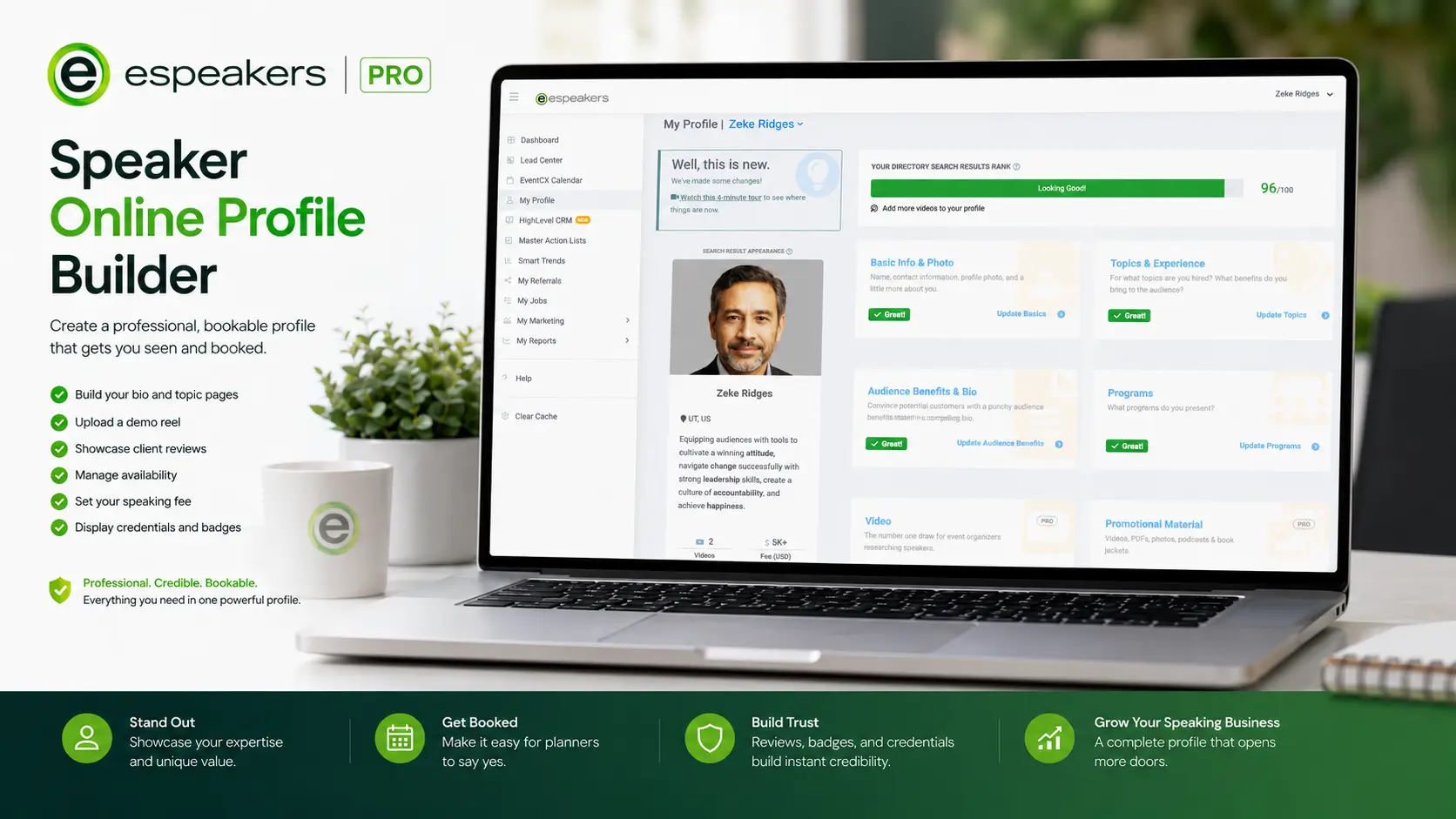
Your online speaker profile is the first thing a meeting planner sees, and the main reason they decide to inquire or move on. The eSpeakers profile builder gives you everything a professional speaker profile needs: a compelling bio, demo reel, topic pages, real client reviews, availability calendar, fee range, and credentials, all in one place, optimized for the eSpeakers Marketplace and indexed across 80+ speaker directories and bureau sites. Whether you're building your first speaker profile or upgrading an existing one, eSpeakers PRO gives you the tools and the platform to turn profile views into paid bookings.
Build your profile and get listed on 50+ speaker directories, 60 days for $60.
eSpeakers PRO includes the profile builder, bio prompts, topic page templates, demo reel hosting, automated review collection, and eSEO optimization to get your profile in front of planners searching right now.
Why Most Speaker Profiles Don't Convert
A basic bio and a headshot aren't enough. Meeting planners evaluating a speaker for their next corporate event, association conference, or virtual summit are asking specific questions, and your profile needs to answer all of them before they reach out.
Does this speaker know my audience?
Your topics page shows planners exactly who you speak to, what outcomes your content delivers, and which industries you serve, so there's no ambiguity about whether you're the right fit.
Can I see them in action?
An embedded demo reel lets planners evaluate your stage presence, energy, and delivery style before they ever send an inquiry. Profiles with video generate significantly more planner contact than profiles without.
Have other clients hired them, and what did they say?
Client reviews and testimonials on your eSpeakers profile provide the social proof that turns a planner from interested to confident. Our post-event review automation collects these on your behalf.
Are they available for my date?
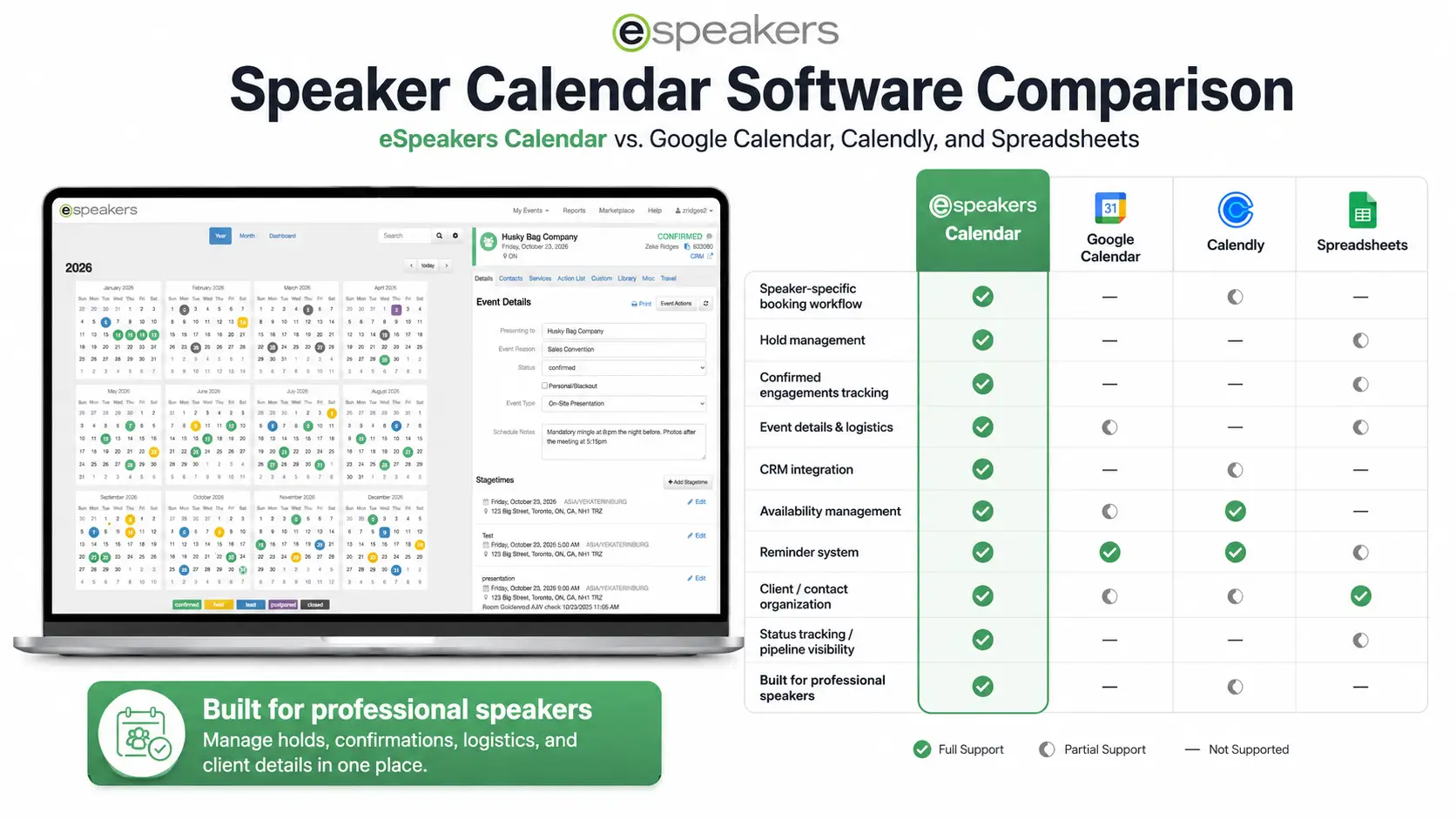
Your live availability calendar, synced directly from your eSpeakers EventCX booking system, shows planners your open dates in real time, eliminating the back-and-forth that kills momentum.
What do they charge?
Your fee range is visible on your profile, helping planners self-qualify before reaching out and ensuring the inquiries you receive are from planners whose budget aligns with your rate.
Are they a credentialed professional?
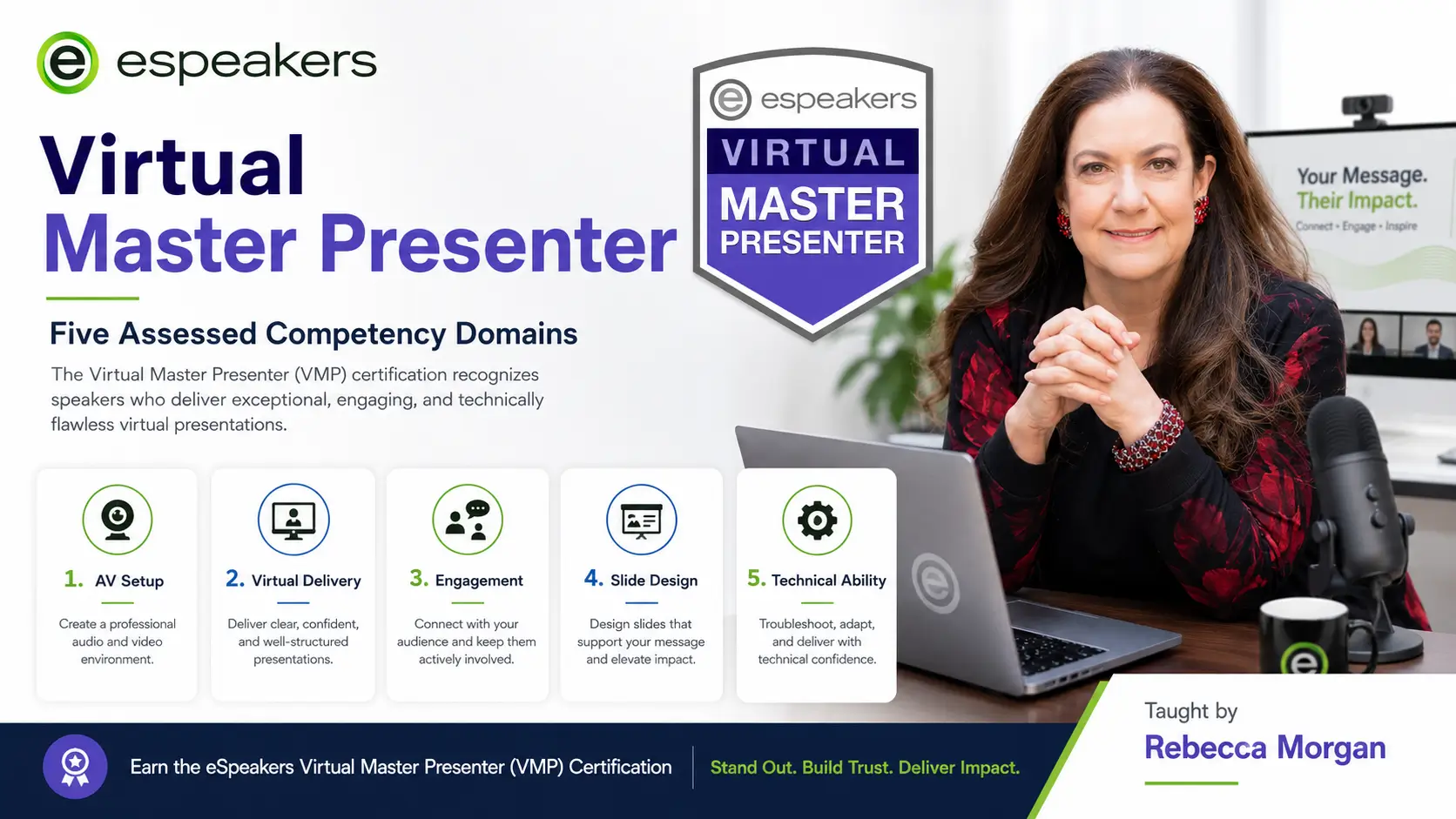
Certification badges, including the Certified Virtual Presenter (CVP) and Virtual Master Presenter (VMP), display directly on your profile and trigger a separate search filter in the eSpeakers Marketplace, putting you in front of planners who specifically require verified, credentialed speakers.
What Your eSpeakers Speaker Profile Includes
Every eSpeakers PRO profile is a complete professional speaker profile, not just a directory listing. Here's what you build and what planners see.
Your Professional Bio
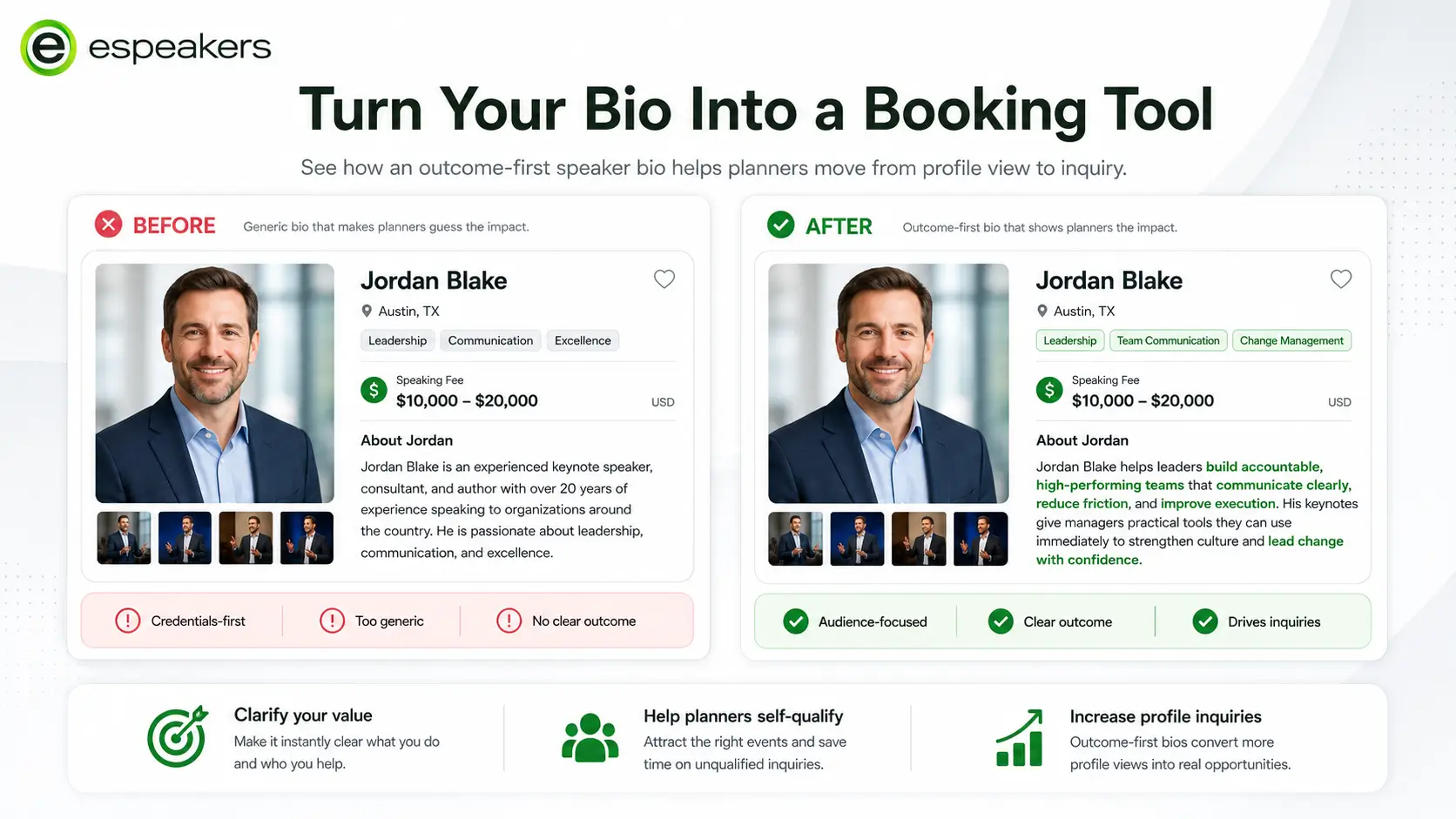
Your bio is your first impression. eSpeakers PRO gives you a structured bio builder with formatting guidance drawn from professional speaker profile examples across the platform. Write a compelling speaker bio that leads with outcomes, establishes credibility, and speaks directly to your target planner audience, with prompts that help you get it right the first time.
What a strong bio includes:
- Opening hook focused on the outcome you produce, not your credentials
- Your specific audience and the industries you serve
- Your positioning, what makes your approach unique
- Your track record, notable clients, stages, or results
- A brief, human closing that makes you memorable
Topics & Keynote Descriptions
Each topic page on your eSpeakers profile functions as a miniature landing page, with a title, description, audience fit, learning outcomes, and delivery format options. Planners searching by topic find these pages directly in the Marketplace search. Well-written topic pages are the single most important factor in converting a profile view into a serious inquiry.
Best practices for speaker topic pages:
- Lead with the problem your keynote solves, not the title
- Name the specific audience that benefits
- State 3–5 concrete takeaways or outcomes
- Specify available formats: keynote, breakout, workshop, virtual, half-day
- Include your fee range for this topic or format
Demo Reel & Video
Your speaker reel is embedded directly on your profile and visible to every planner who views it. Upload your primary reel for the profile header and add topic-specific video clips to individual keynote pages. Planners can watch before they inquire, which means the planners who do reach out have already seen you perform and already want to book you.
Client Reviews & Testimonials
eSpeakers PRO includes automated post-event review requests that fire after each confirmed engagement. Reviews collected through the platform appear directly on your profile and contribute to your eSEO ranking, the algorithm that determines how prominently you appear in Marketplace searches. More verified reviews mean a better ranking. A better ranking means more profile views. More profile views mean more inquiries.
Live Availability Calendar
Your public availability display is drawn in real time from your EventCX booking calendar. When you confirm a booking or place a hold, your calendar updates automatically. Planners see open dates instantly, no email required to check availability before reaching out.
Fee Range
Your publicly displayed fee range helps planners self-select before submitting an inquiry. Speakers who display a wide range receive more qualified inquiries, meaning less time spent on conversations that won’t convert, and fewer planners who are surprised by the number when they ask.
Credentials & Certification Badges
Earned credentials display as visible badges on your profile:
- CVP, Certified Virtual Presenter, recognized by MPI, SMART Meetings, and SPIN
- VMP, Virtual Master Presenter, is the advanced virtual delivery credential
- CSP, Certified Speaking Professional, the NSA’s highest earned designation
Each badge is a trust signal that reduces planner risk. The CVP and VMP badges also enable dedicated search filters in the eSpeakers Marketplace. Planners who specifically require certified virtual presenters can search using these filters, and only credentialed speakers appear in the results.
Client Logos & Past Engagements
Display the organizations that have hired you. Recognized logos build credibility faster than any copy you can write. Your past engagements section also contributes to your eSEO score and helps planners benchmark your experience against their event tier.
How to Build Your Speaker Profile: Step-by-Step
Create your eSpeakers PRO account
Your profile builder is available from your first login. Start with the basics: headshot, name, location, and primary speaking topic.
Write your bio
Use the structured bio builder with outcome-first prompts. Aim for 150–250 words that speak directly to the planners who book your type of speaker.
Add your topics and keynote descriptions
Create a page for each keynote, workshop, or program you offer. Include the audience, outcomes, and available formats. This is what Marketplace search returns when planners filter by topic.
Upload your demo reel and supporting video
Embed your primary speaker reel in the profile header. Add topic-specific clips to individual keynote pages for planners who want to see a sample of specific content.
Connect your availability calendar
Sync your EventCX booking calendar so your profile displays live availability. Planners can check open dates before reaching out
Set your fee range
Add your speaking fee range to your profile. This filters your appearance in fee-range searches and helps planners self-qualify.
Earn and display your credentials
Schedule your CVP assessment (free with PRO after 3 months). Add your CSP designation if you hold one. Credentials display automatically on your profile and improve your eSEO ranking.
Collect your first reviews
After your first confirmed booking through eSpeakers, the automated review request fires to your client. Their review appears on your profile and begins building your verified social proof.
Your Profile on 50+ Speaker Directories, Automatically
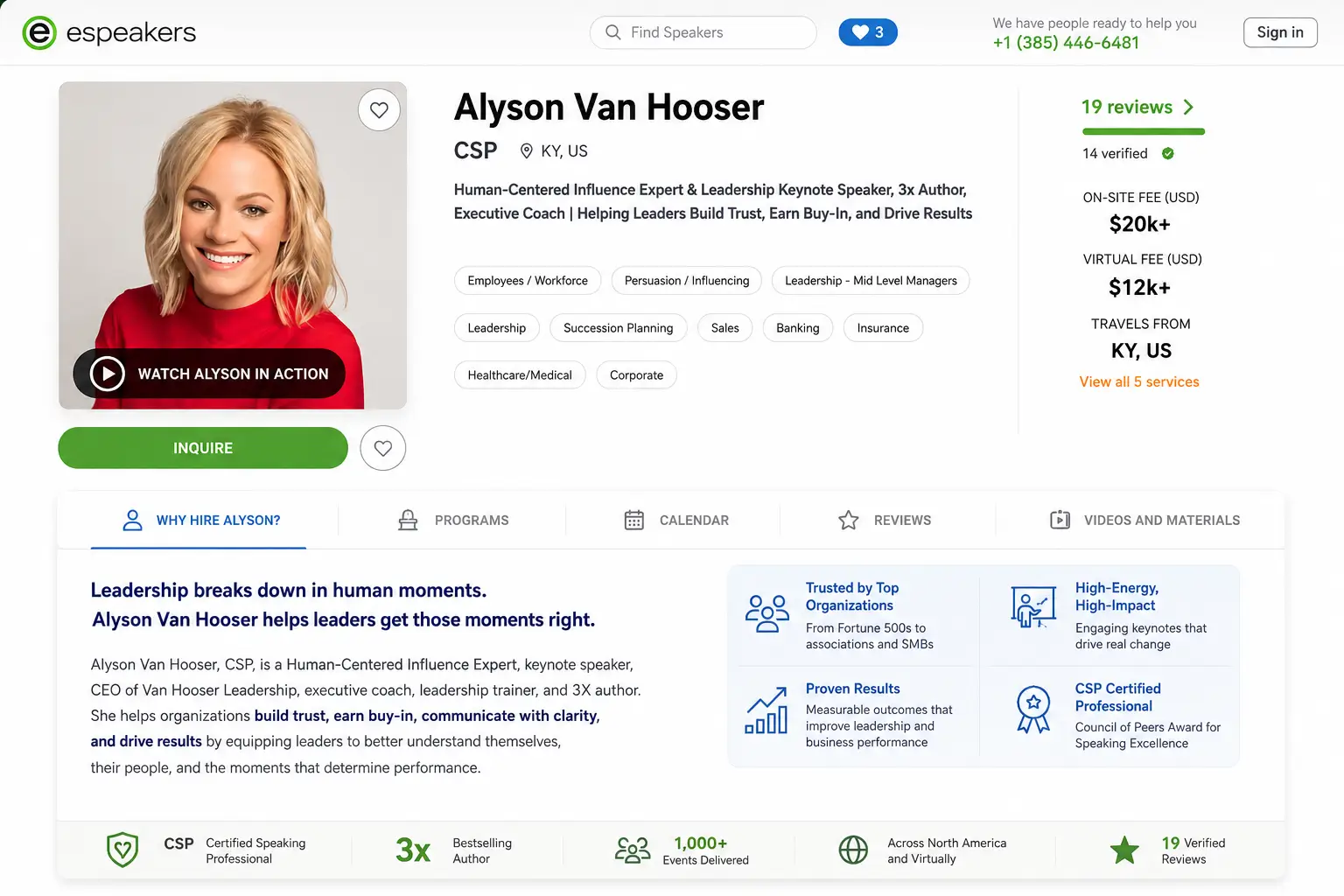
An eSpeakers PRO profile isn’t just one listing. Your profile is syndicated across more than 50 speaker directories, bureau sites, and corporate speaker search platforms, including the eSpeakers Marketplace itself, which receives inquiries from meeting planners, association executives, and corporate event managers around the world.
Every time you update your eSpeakers profile, new reel, new topic, new credential, new review, every syndicated listing updates automatically. One profile, 80+ placements, zero manual maintenance.
Speaker Profile Examples: What the Best Profiles Have in Common
The highest-converting speaker profiles in the eSpeakers Marketplace share a consistent set of elements. Here’s what separates profiles that generate consistent inquiries from profiles that get views with no follow-through:
- Outcome-first bio, leads with what the audience walks away with, not the speaker’s credentials
- Demo reel in the header, visible above the fold, no scrolling required to find it
- 3 or more specific topic pages, each one a self-contained argument for why this speaker is right for that audience
- 5 or more verified reviews, the social proof threshold at which planner confidence meaningfully increases
- Current availability visible, open dates showing, not a calendar blocked by outdated holds
- CVP or other credential badge, visible on the profile, searchable in filters
- Client logos displayed, recognized organizations in the “past clients” section
- Fee range set, filtering the right planners in and the wrong conversations out
If your current profile is missing three or more of these elements, you’re leaving bookings on the table.
Who the eSpeakers Profile Builder Is For
- New speakers building their first professional speaker profile and needing a structured, guided process
- Experienced keynote speakers whose existing profile isn’t converting views into inquiries at the rate their experience warrants
- Motivational and corporate speakers who want maximum visibility across the directories and bureau platforms where planners search
- Virtual speakers who need to display CVP credentials, virtual-specific topic pages, and virtual proof video alongside their main profile
- Coaches and consultants who also speak and want a professional speaker profile without building a separate website
- Speakers working with bureaus who need a complete, bureau-ready profile with all supporting materials in one accessible location
FAQ
A complete speaker profile includes an outcome-first professional bio, individual topic and keynote description pages, an embedded demo reel, verified client reviews, a live availability calendar, your fee range, credential badges (such as CVP or CSP), and a client logo section. Profiles with all of these elements convert significantly more planner views into actual inquiries.
Your eSpeakers profile is indexed across more than 80 speaker directories and bureau sites automatically. In the eSpeakers Marketplace itself, your profile ranking is determined by eSEO, a scoring algorithm that weights factors including profile completeness, demo reel presence, verified reviews, credential badges, availability calendar currency, and booking history. Stronger profiles rank higher and appear more prominently when planners search by topic, fee, location, or availability.
No. You can build and publish your eSpeakers profile with a high-quality intro video while you develop your full demo reel. However, a speaker reel is one of the highest-weighted elements in planner decision-making and in the eSEO algorithm, so adding one as soon as it is available will meaningfully improve your profile’s conversion rate and search ranking.
eSpeakers PRO includes automated post-event review requests that fire to your clients after each confirmed engagement. Reviews collected through this process appear as verified reviews on your profile and contribute to your eSEO ranking. You can also manually request reviews from past clients at any time through your account dashboard.
eSEO is the eSpeakers Marketplace ranking algorithm that determines how prominently your profile appears in planner searches. It weights profile completeness, demo reel, verified reviews, credential badges, calendar activity, and booking history. Speakers with higher eSEO scores appear more prominently in topic, fee, and availability searches. Improving your eSEO score is one of the most direct ways to increase profile views and inquiry volume.
Many speakers use their eSpeakers profile as their primary speaker web presence, particularly early in their career or when they don’t have a separate speaker website. The profile includes all the elements a planner needs to evaluate and contact you. eSpeakers PRO also includes landing page and funnel building tools if you want to create additional web presence linked to your profile.
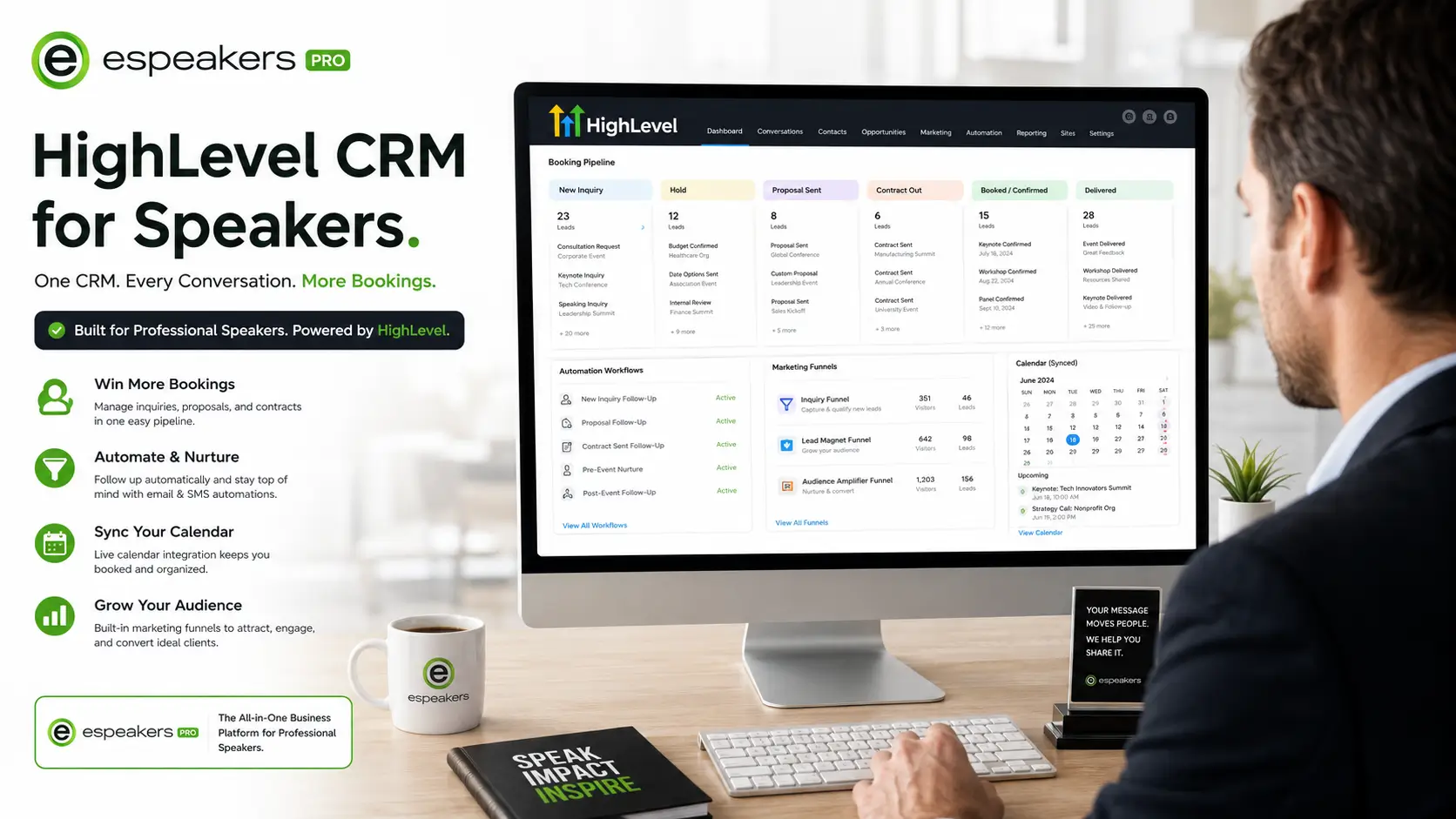
A free speaker directory listing typically shows basic contact information and a short bio. An eSpeakers PRO profile includes full topic pages with outcome descriptions, an embedded demo reel, verified client reviews, a live availability calendar, credential badges, client logos, fee range display, and eSEO optimization that determines your search ranking across 80+ platforms. PRO profiles also connect to the HighLevel CRM, so inquiries submitted through the profile automatically enter your booking pipeline.
Most speakers complete a fully functional initial profile within one to two hours of creating their eSpeakers PRO account. The profile builder provides structured prompts for each section. The eSpeakers onboarding program includes a guided profile setup walkthrough as part of the 60-day success curriculum, helping new PRO members launch a strong profile in their first week.
Your Next Booking Starts With a Profile Planners Can Find and Trust
Meeting planners aren’t spending time on profiles that don’t immediately answer their questions. A complete, optimized online speaker profile is the difference between appearing on a shortlist and being passed over.
eSpeakers PRO gives you the profile builder, the directory placement, the CRM pipeline, and the automated review system, everything your speaking business needs to convert profile views into paid bookings.
60 days free. No credit card required.
→ Build Your Speaker Profile Today
→ See Everything Included in PRO